Your team replies with information that was already on the website. The buyer has waited, and somebody has repeated work that happens every week.
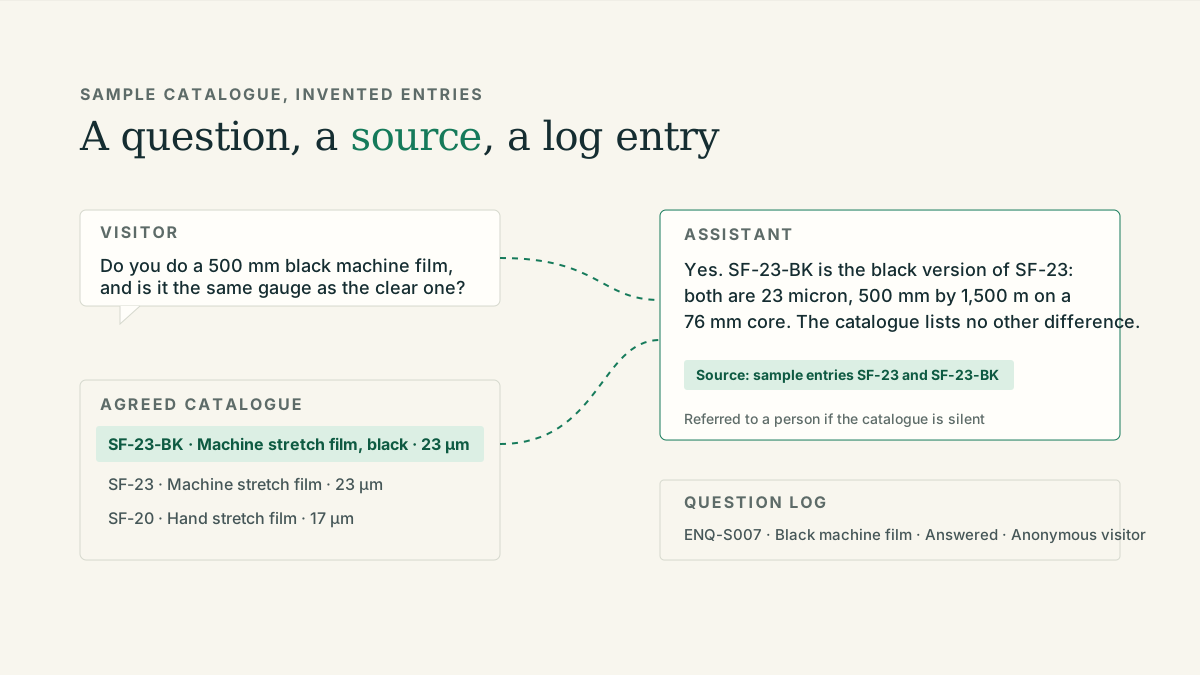
A website AI assistant gives visitors another way into the catalogue: they can describe the task, ask a follow-up question and see relevant product information. It should help them reach the right next step, with a clear handover when an answer needs a specialist.
Make the conversation useful at the product page
A general “How can I help?” bubble gives the visitor very little direction. A more useful starting point relates to the page they are viewing: ask about specifications, compare listed options or explain an application.
For example, a buyer might ask whether a component will fit an existing machine. The assistant can request the model number and surface the relevant compatibility information if the approved documentation contains it. If compatibility is not documented, it should collect the question for a colleague rather than turn a plausible match into a recommendation.
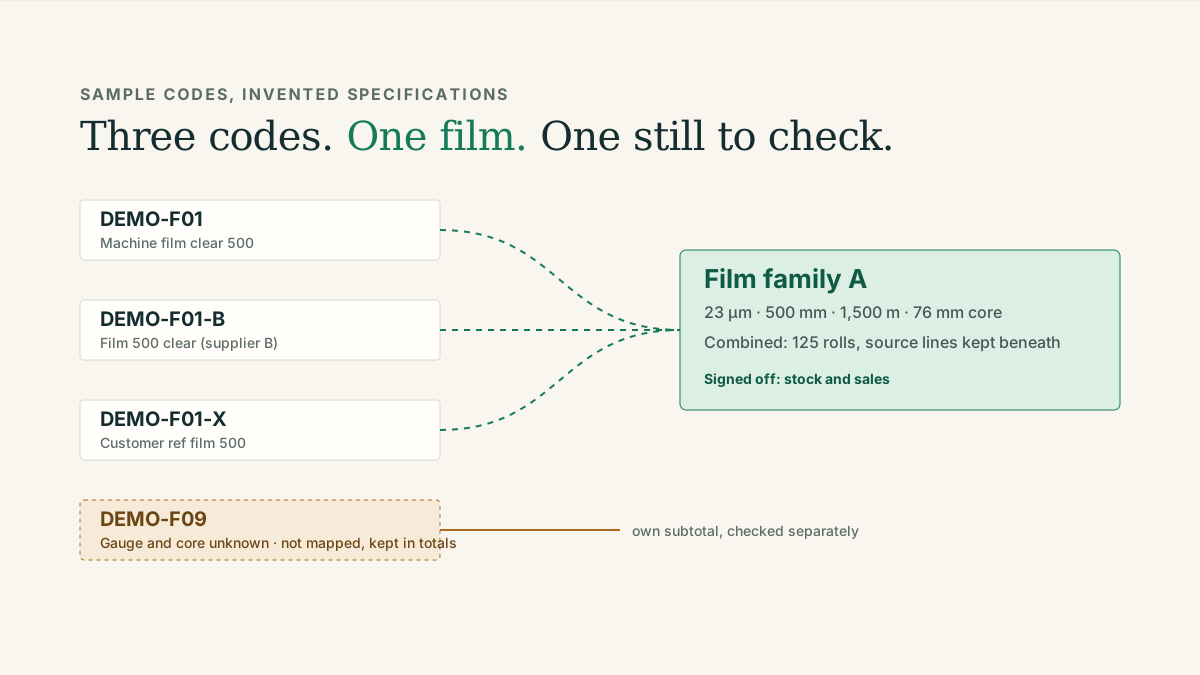
That distinction matters for distributors. Product ranges contain exceptions, substitutions and limits that a fluent answer can easily conceal.
Build around information you are willing to stand behind
Start with a manageable set of current product pages, specifications and frequently asked questions. Decide which information the assistant can use, which should remain private and what requires human confirmation.
Pricing and availability need particular care. A catalogue description does not establish today’s stock position or a customer’s agreed price. If those systems are not connected and authorised for that purpose, the assistant should route a request for a quote or availability check to the team.
The customer-facing assistant I worked on for a supplier was designed around product and application questions and a route back to a person. That is a useful model for a first brief: improve access to product knowledge, capture the enquiry and make the next conversation easier.
The handover is part of the product
“Contact sales” is a weak finish if the visitor has already explained their problem. A useful handover carries the relevant context: the product, the application, the question that remains unanswered and the contact details the visitor chooses to provide.
Keep the form proportionate. Someone asking a simple catalogue question should not have to complete a long qualification exercise before receiving useful information. When follow-up is needed, tell them what will happen next and who will receive their enquiry.
The team should be able to distinguish an unanswered technical question from a request for a quote. Otherwise, the assistant merely creates a new inbox to sort.
Use the questions to improve the website
The enquiry history can reveal information your catalogue does not explain well. Repeated questions about dimensions might justify a comparison table. Repeated compatibility questions may show that a product page needs clearer model information.
Review these patterns in aggregate, with suitable access and retention settings for conversation records. The aim is to learn where visitors get stuck, then improve both the assistant and the underlying pages.
Do not judge success only by the number of chats. Review whether answers were supported, whether handovers contained useful context and whether customers reached a suitable next step. A pilot across a small product range makes those checks manageable.