Two ways to get your data in
From exports. Your team already runs reports out of the ERP: sales by customer, stock movements, aged debt, price lists. They are saved as Excel or CSV files. An assistant can read those files as they are, including multi-tab workbooks.
From a live connection. A connector reads the system directly through an interface, on a schedule or on demand. It needs access granted by whoever owns the system, and it needs maintaining when the system changes.
Why exports are usually the right start
- Nothing in your systems changes. No access to grant, no version to check, no risk to the system of record.
- Your team already trusts the reports. They know what the filters mean and where the oddities are. That knowledge becomes the rules the assistant follows.
- It is quick to prove. You can see useful answers on real files before committing to anything larger.
- It is read-only by nature. An assistant that only reads files cannot write a wrong order into your ERP.
What exports will not give you
Be clear about the limits. An export is a snapshot: the answer is as fresh as the last file. Someone has to run the export, or it has to land in an agreed folder on a schedule. And an export only contains what the report was built to contain, so a question outside it needs another report.
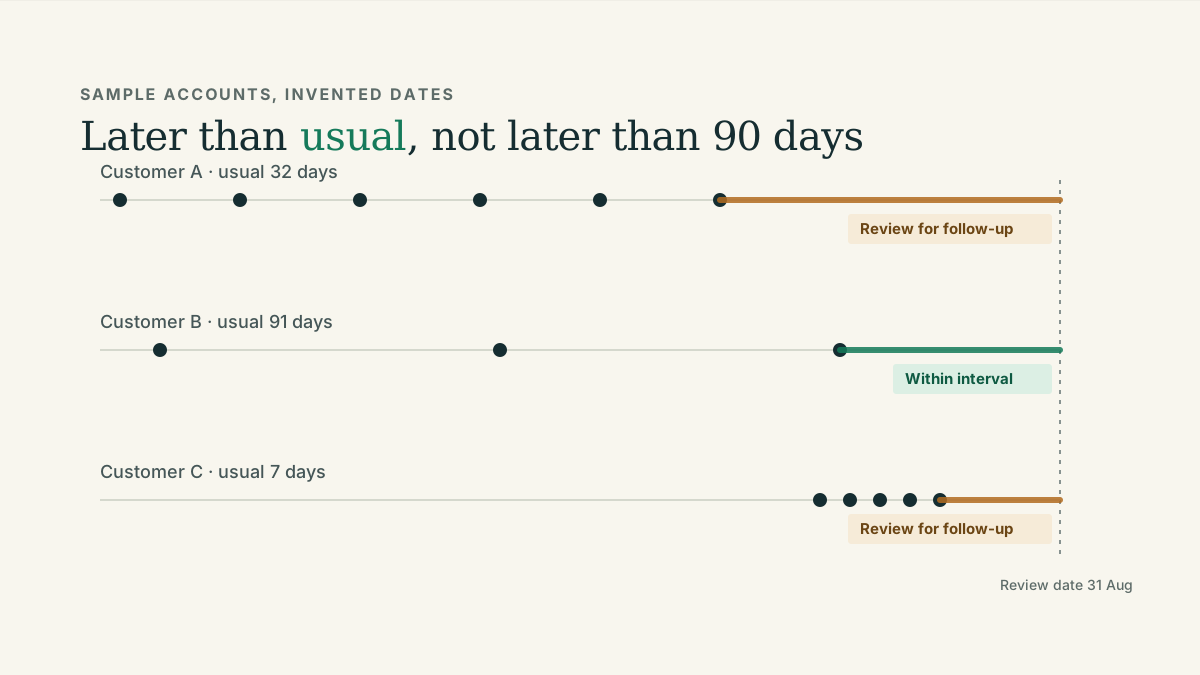
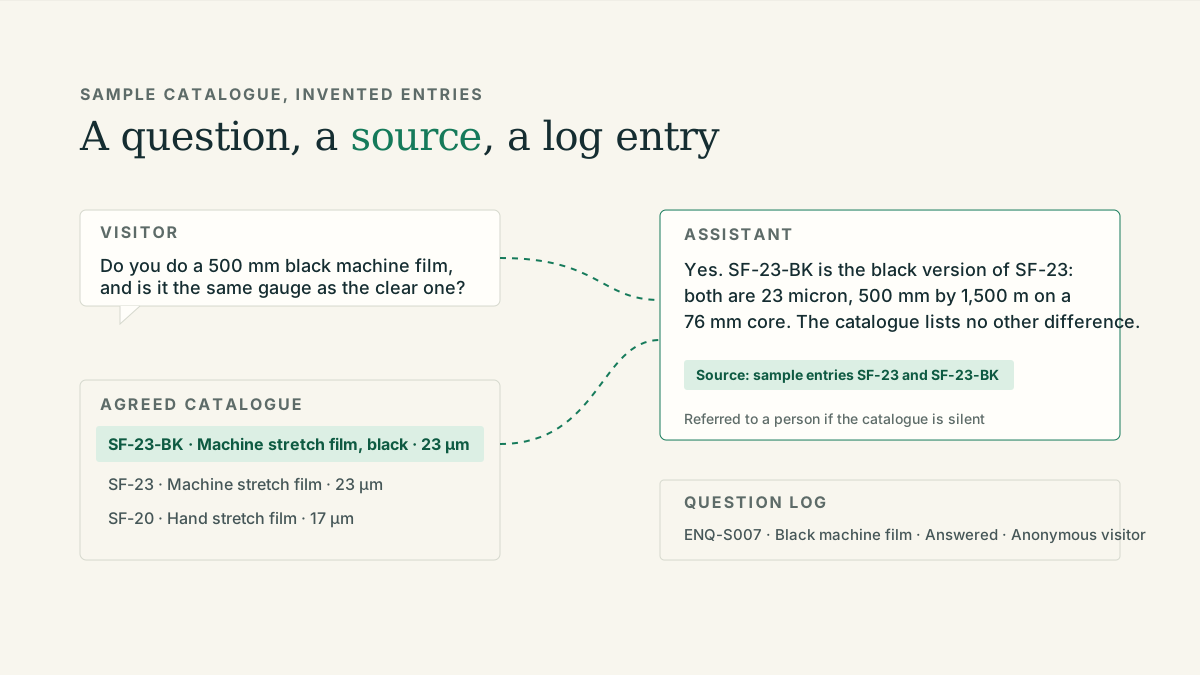
For weekly reviews of late accounts, reorder decisions and overdue invoices, a snapshot is normally enough. For a live stock figure on a website, it is not, which is why a sensible website assistant does not quote stock or prices at all unless a connection has been scoped.
When a live connection earns its place
- The same export is being run every day and the manual step is the bottleneck.
- Answers genuinely need to be current to the hour, not the week.
- Your IT owner is willing to grant and look after the access.
- The assistant has already proved useful on exports, so you know which fields matter.
A middle step is often enough: keep the same exports, but have them picked up automatically from a shared folder or mailbox. The confirmation step, where a person agrees what a file contains, stays.
A simple way to decide
Start on exports with one question your team answers by hand every week. If the answers are useful and the only complaint is freshness, scope a scheduled refresh. If that is still not enough, scope a connector for the specific fields you now know you need. Each step is its own piece of work with its own price.
The internal agent page sets out these three routes and what you would need to provide for each.